
AppFolio integration
AppFolio WordPress plugin for live pricing and availability
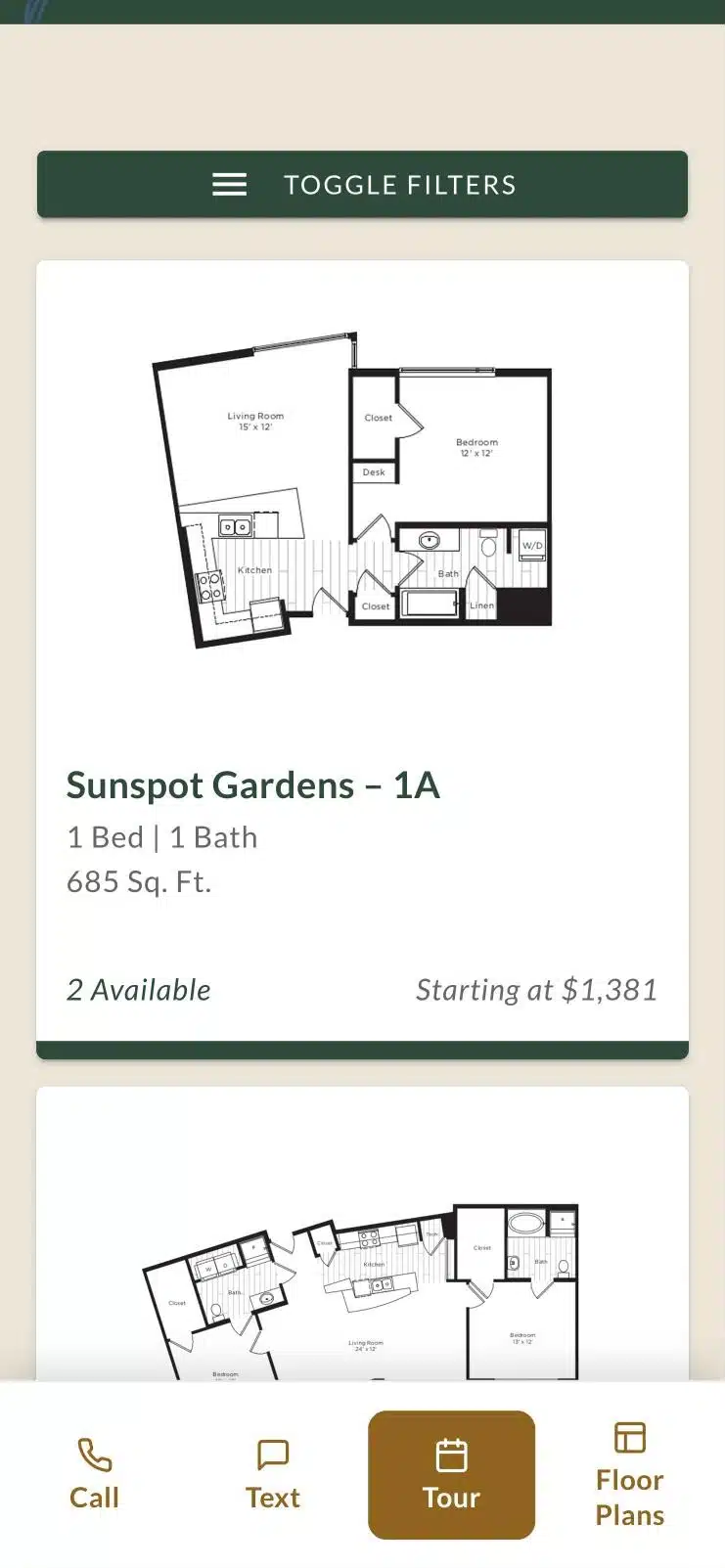
RentPress pulls your properties and every unit you post to your website in AppFolio, with rents, available dates and photos, into your WordPress website and sends website leads to AppFolio as guest cards.
Works with

What syncs
Post it in AppFolio. It shows on your website.
RentPress reads the AppFolio API’s Properties and Listings data. It only requests units marked Posted to Website, which follows AppFolio’s own recommendation, so your team controls what renters see from one place.
Properties
- Name
- Address
- City, state and zip
Posted listings
- Marketing title
- Beds and baths
- Square feet
- Listed rent
- Available date
- Unit photos
- Unit amenities
- Application link
- YouTube video
Shows on your website Turn it off and the unit drops off at the next sync.
- Listing details10Per posted unit
- Secrets to send0We handle the API keys
Where leads go
Website leads become AppFolio guest cards.
The RentPress Gravity Forms add-on sends each form on your site to AppFolio as a guest card, with the details your leasing team needs to follow up.
- We set up the add-on’s AppFolio credentials for you.
- Lead source defaults to Website, so you can see which guest cards came from your site.
- We test that leads from your site reach AppFolio before you go live.
- First nameFirst nameRequired
- Last nameLast nameRequired
- EmailEmailRequired
- PropertyPropertyIdRequired
- PhonePhoneNumberOptional
- Move-in dateDesiredMoveInOptional
- BedroomsBedroomsOptional
- Max budgetMaxRentOptional
- PetsHasCats, HasDogs, HasOtherPetOptional
- MessageMessagesOptional
What you need
Three steps in AppFolio. We handle the rest.
Check off each step as you go. You can order today either way.
- 01To doDone
Turn on Stack Premium
In AppFolio, click Add Functionality, then Integrations. Activate Stack Premium. Only Presidential Users can sign up.
- 02To doDone
Connect 30 Lines
Open Manage AppFolio Stack Integrations, find 30 Lines and set up the connection for all properties or the Property Groups you choose.
- 03To doDone
Send your property names
List each property exactly as AppFolio shows it. We import and bill only the properties you list, and our onboarding manager handles the API credentials.
- Your name, top right
- General Settings
- Manage AppFolio Stack Integrations
- 30 Lines, then Manage Connection
- Setup Connection: all properties or Property Groups
- Check both agreements, Enable Connection
Connected We add your properties and send your License Key.
No logins or codes needed to order, and no secrets to send.You’re ready. We’ll add your properties and send your License Key.Get started
FAQ
AppFolio and RentPress questions
Something else? Talk to us.
What do I need to connect AppFolio?
An AppFolio Stack subscription, the 30 Lines connection turned on in AppFolio Stack and your property names, exactly as AppFolio shows them. Our onboarding manager handles the API credentials, so you never send a Client Secret.
Why isn’t a unit showing on my website?
RentPress only requests units marked Posted to Website in AppFolio. Post the unit to your website in AppFolio and it appears after the next sync.
What does RentPress pull from AppFolio?
Each property’s name and address, plus every posted listing’s marketing title, beds, baths, square feet, listed rent, available date, photos, amenities, application link and YouTube video if you add one.
Who can turn on AppFolio Stack Premium?
Only Presidential Users can sign up for Stack Premium in AppFolio.
Where do website leads go?
The RentPress Gravity Forms add-on sends each form to AppFolio as a guest card. First name, last name, email and property are required. We test that leads arrive before you go live.