
MRI MarketConnect integration
MRI MarketConnect WordPress plugin for live pricing and availability
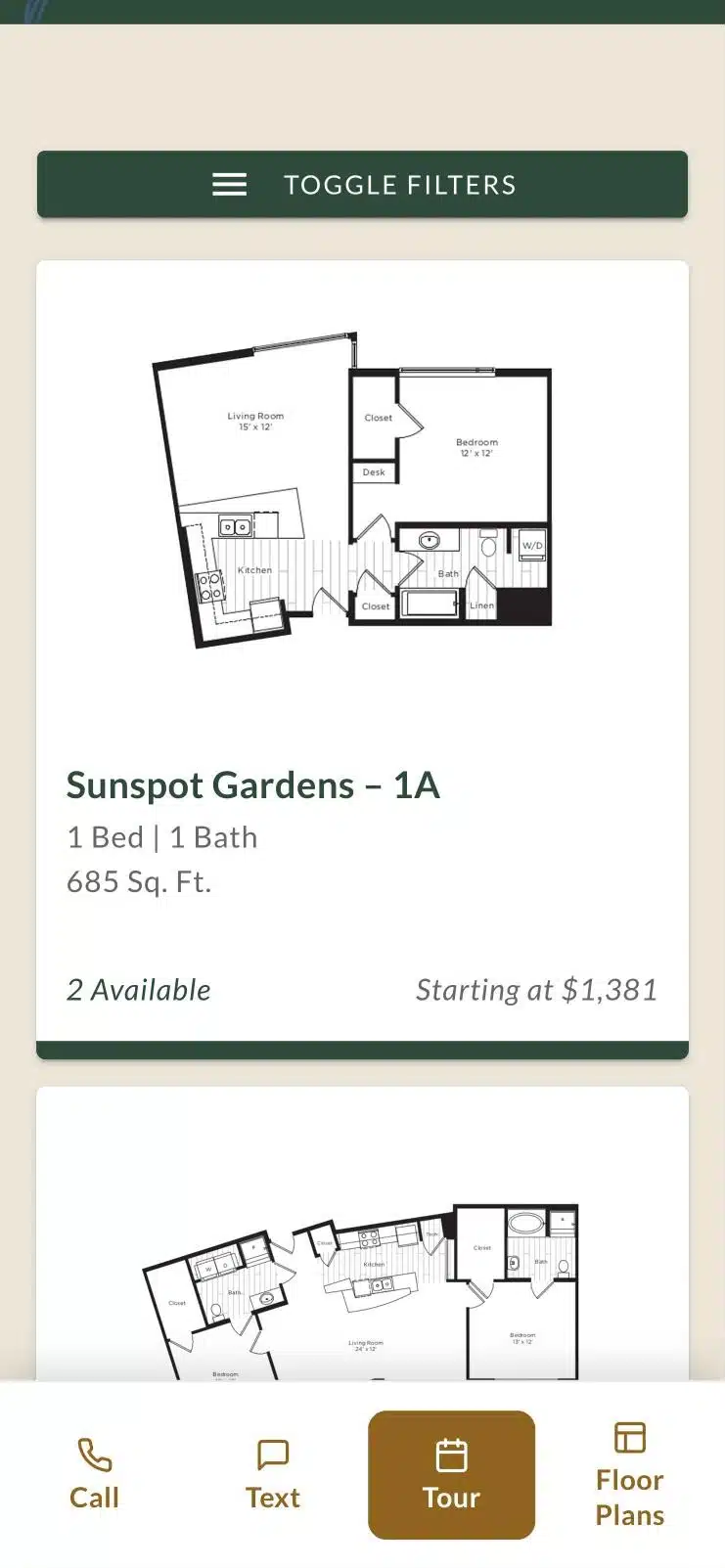
RentPress brings prices, availability and floor plans from MRI MarketConnect into your WordPress website. We set up the file export with MRI for you.
Works with

What syncs
MRI sends the feed. RentPress keeps checking.
Prices, availability and floor plans come from MRI MarketConnect through the same feed your listing sites use, so you update them in MRI and the website follows.
MRI MarketConnect typically updates its feed at most twice a day, depending on your settings. RentPress checks every 2 to 3 hours, so changes show after MRI’s next update.
Good to know: MRI doesn’t offer a way to view the raw export, and what MRI shows on screen doesn’t always match it. If a price looks off, we check the feed and work with MRI for you.
- Floor plans
- Prices
- Availability
- MRI updates a day2At most
- Hours between checks2-3RentPress
Where leads go
Leads go to the CRM your team already uses.
MRI isn’t a lead destination in the RentPress Gravity Forms add-on, so your website leads go wherever your leasing team works today.
- Tell us where leads go when you order, and we set up the add-on for that system.
- We test that leads from your site arrive before you go live.
Lead destinations for MRI sites
- FunnelGravity Forms add-on
- KnockGravity Forms add-on
- Anyone HomeGravity Forms add-on
- EmailTo your leasing team
What you need
You send the IDs. We handle MRI.
Check off each step as you go. You can order today either way.
- 01To doDone
Gather your property IDs
Find them in your MRI MarketConnect property details. One for each community.
- 02To doDone
Send them to us
Use the order form, or add them to your Onboarding Checklist. Add your MRI contact if you have one, and please don’t email an API token.
- 03To doDone
Add your License Key
When it arrives, open RentPress: General Settings in WordPress, enter it and run a manual resync. Review the new drafts and publish.
- Gather your property IDs
- Send them with the order form
- Add the License Key in WordPress
- Coordinate with you and MRI
- Set up the file export
- Import your data
- Send your License Key
No logins or codes needed to order.You’re all set. We’ll take it from here with MRI.Get started
FAQ
MRI and RentPress questions
Something else? Talk to us.
Who sets up the MRI feed?
We do. We coordinate with you and MRI, set up the file export (or update the one you have) and import your data. You gather your property IDs and add the License Key we send.
How often does my website update from MRI?
MRI MarketConnect typically updates its feed at most twice a day, depending on your settings, and RentPress checks for new data every 2 to 3 hours.
Why doesn’t a price in MRI match my website?
The export can differ from what MRI shows on screen, and changes made after MRI’s last update wait for the next one. Check Apartments.com first: it uses the same feed. If only your website is wrong, send us a support request and we check the feed and work with MRI for you.
Where do website leads go?
MRI isn’t a lead destination in the RentPress Gravity Forms add-on, so leads go to Funnel, Knock or Anyone Home, or by email to your team. We test delivery before you go live.
What do I do with the License Key?
In WordPress, open RentPress: General Settings, enter the key and run a manual resync. New properties arrive as drafts, so review them and click Publish.