
RentCafe integration
RentCafe WordPress plugin for live pricing and availability
RentPress pulls floor plans, prices and open units from Yardi RentCafe into your WordPress website several times a day and sends website leads back to RentCafe as guest cards.
Works with

What syncs
Everything renters check before they tour.
Every price, unit and date on your floor plan pages comes from RentCafe. Your team updates Yardi, and your website follows.
- 1Property detailsPulled from your RentCafe marketing data.
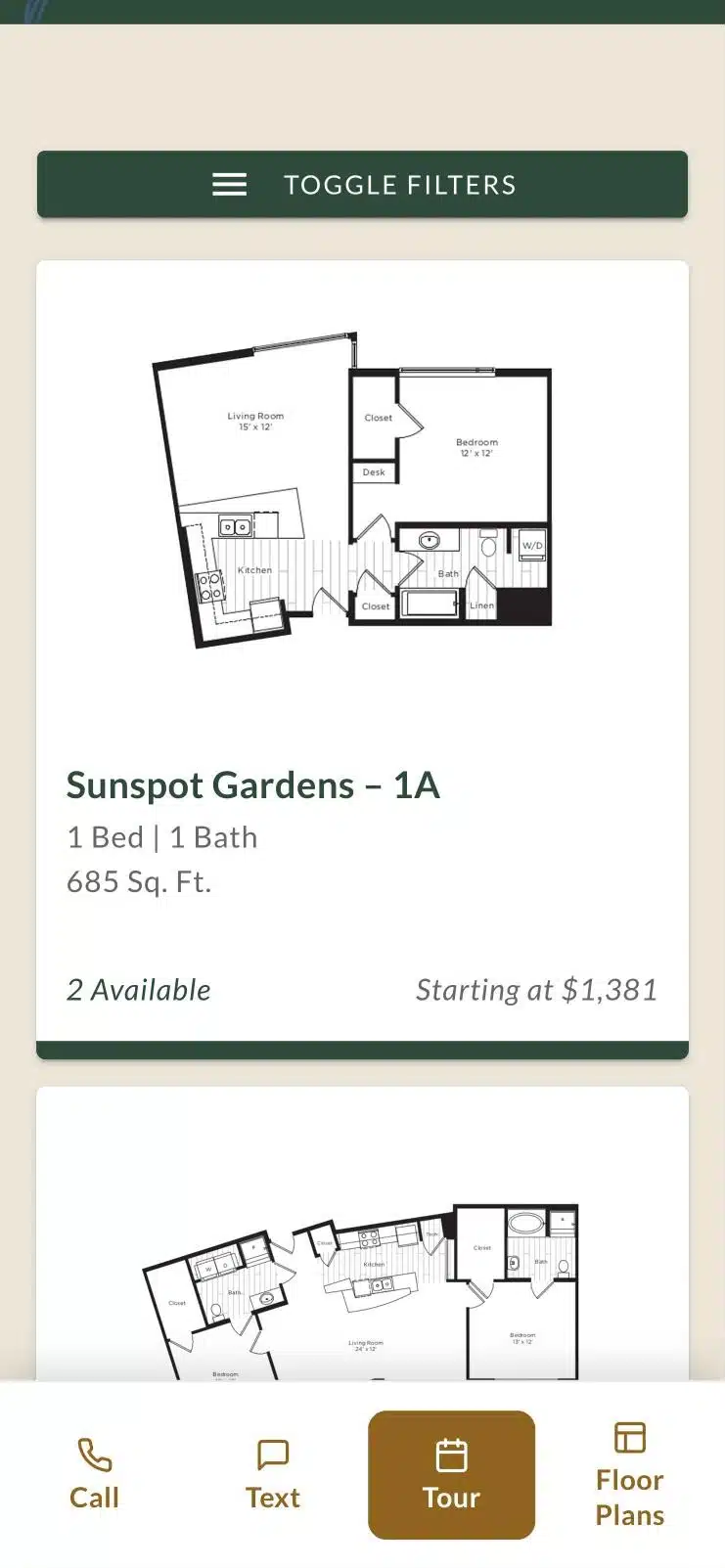
- 2Floor plansWith current pricing on every plan.
- 3Open unitsRents and available dates for each unit.
- 4Lease term pricingIf your RentCafe account uses a pricing matrix.
- Hours between checks2-3RentPress checks your RentCafe feed several times a day.
- Hours to License Key24after your setup invoice is paid.
Where leads go
Website leads land in RentCafe as guest cards.
The RentPress Gravity Forms add-on sends each form on your site straight to RentCafe CRM, so your leasing team works every lead in one place and nobody retypes anything.
- We test that leads from your site reach RentCafe before you go live.
- Send us your live and staging web addresses so RentCafe accepts leads from both.
- Want online tour booking? Ask about the RentPress Appointment Scheduler, which works with RentCafe.
What you need
Three things from RentCafe. No passwords.
Check off what you have. You can order today either way: we ask for these after your quote is signed.
- 01
API token
In Site Manager, open Company Configuration, Settings, API Settings. Click Add Vendor API Token, choose 30 Lines and save.
- 02
Company code
Your RentCafe API V2 company code: the letter c followed by numbers, for example
c00000012345. One code covers your whole account. - 03
Property codes
One per community, for example
p005223. Each must show as Active in Reports, Property Setup, Data Status. Running that report only shows a list; it changes nothing.
No logins or codes needed to order. When your quote is signed, we send a secure link for these.You have everything we need for setup.Get started
Please don’t email your API token. Step by step help: RentCafe API setup for RentPress.
FAQ
RentCafe and RentPress questions
Something else? Talk to us.
How often does RentPress update prices from RentCafe?
RentPress checks your RentCafe feed several times a day, usually every 2 to 3 hours. RentCafe refreshes its own feed a couple of times a day, so a change you make in Yardi can take a few hours to reach your website.
Where do I find my RentCafe company code?
It is your RentCafe API V2 company code: the letter c followed by numbers, for example c00000012345. Look in your company level settings in Site Manager. If you cannot find it, ask your Yardi rep for the company code for RentCafe API V2 with 30 Lines as your API vendor.
Do I need a RentCafe website to use RentPress?
No. RentPress runs on your own WordPress website and reads your data from RentCafe, so you keep your design, your domain and your search rankings.
A price on my website looks wrong. What should I check?
Check an apartment listing site like Apartments.com first. It uses the same RentCafe feed. If it is wrong there too, the fix happens in RentCafe. If it is only wrong on your website, send us a support request with the property name.
Should I email my RentCafe API token to 30 Lines?
No. After your quote is signed we send a secure link for your connection details. Please never send the token by email.